


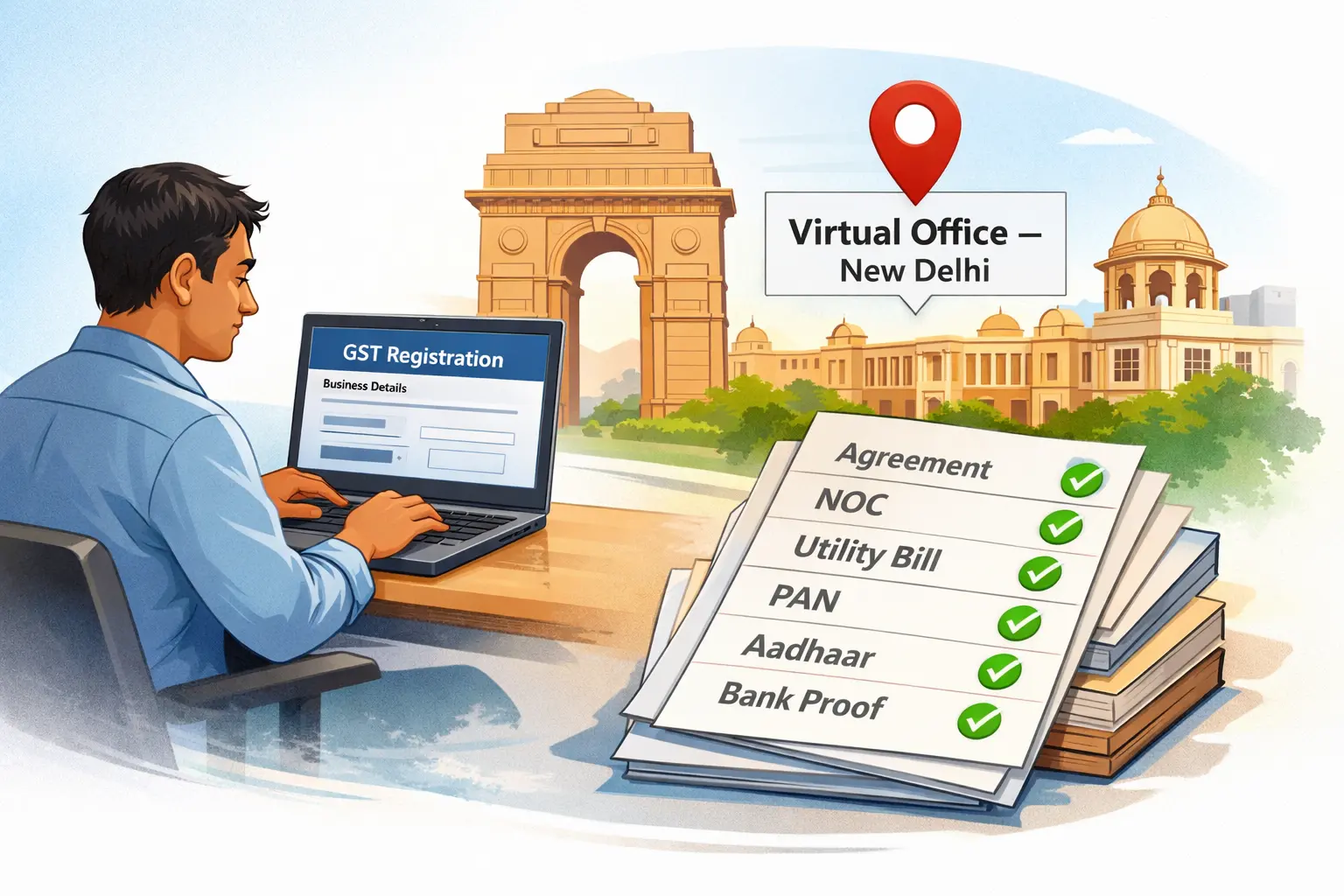
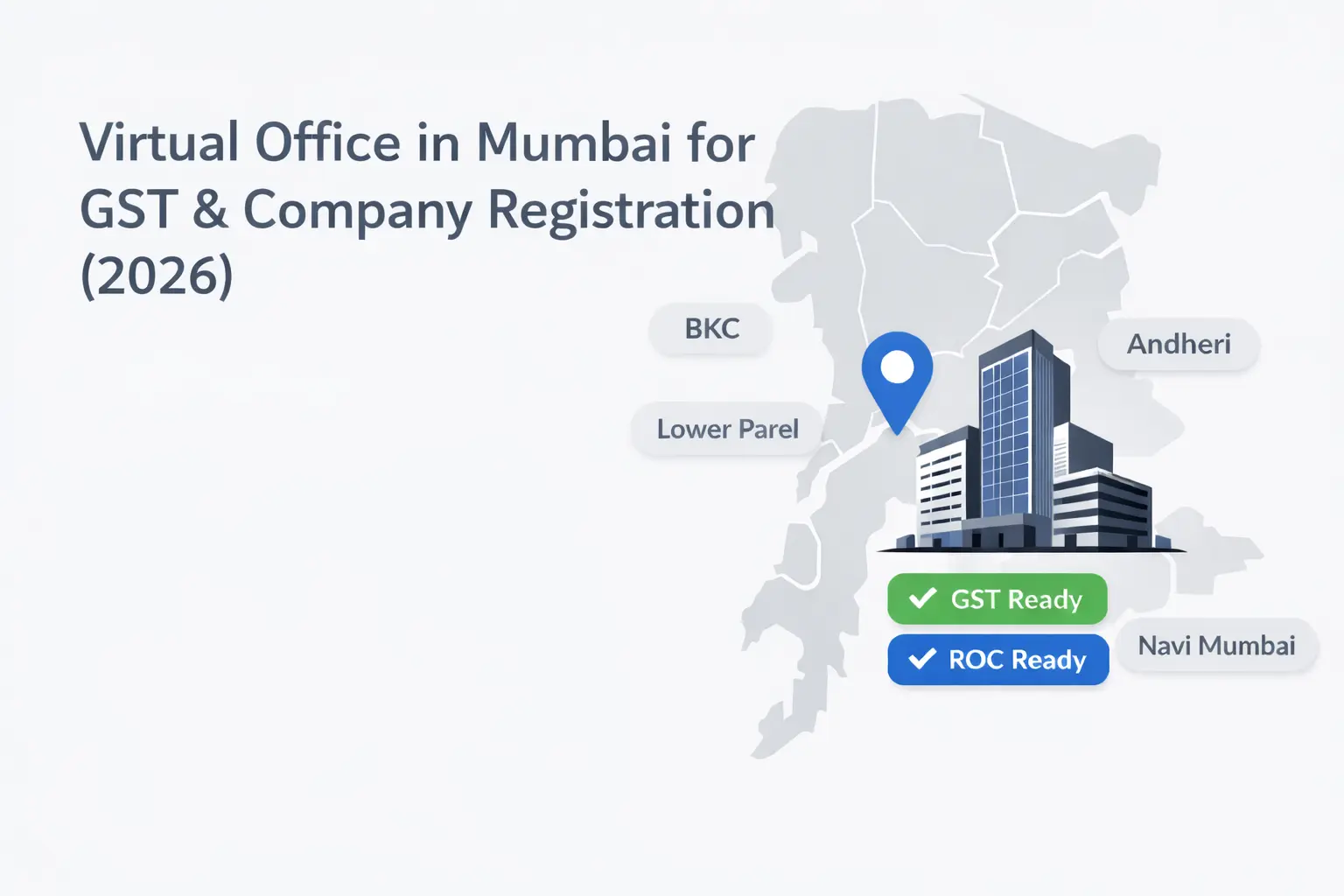
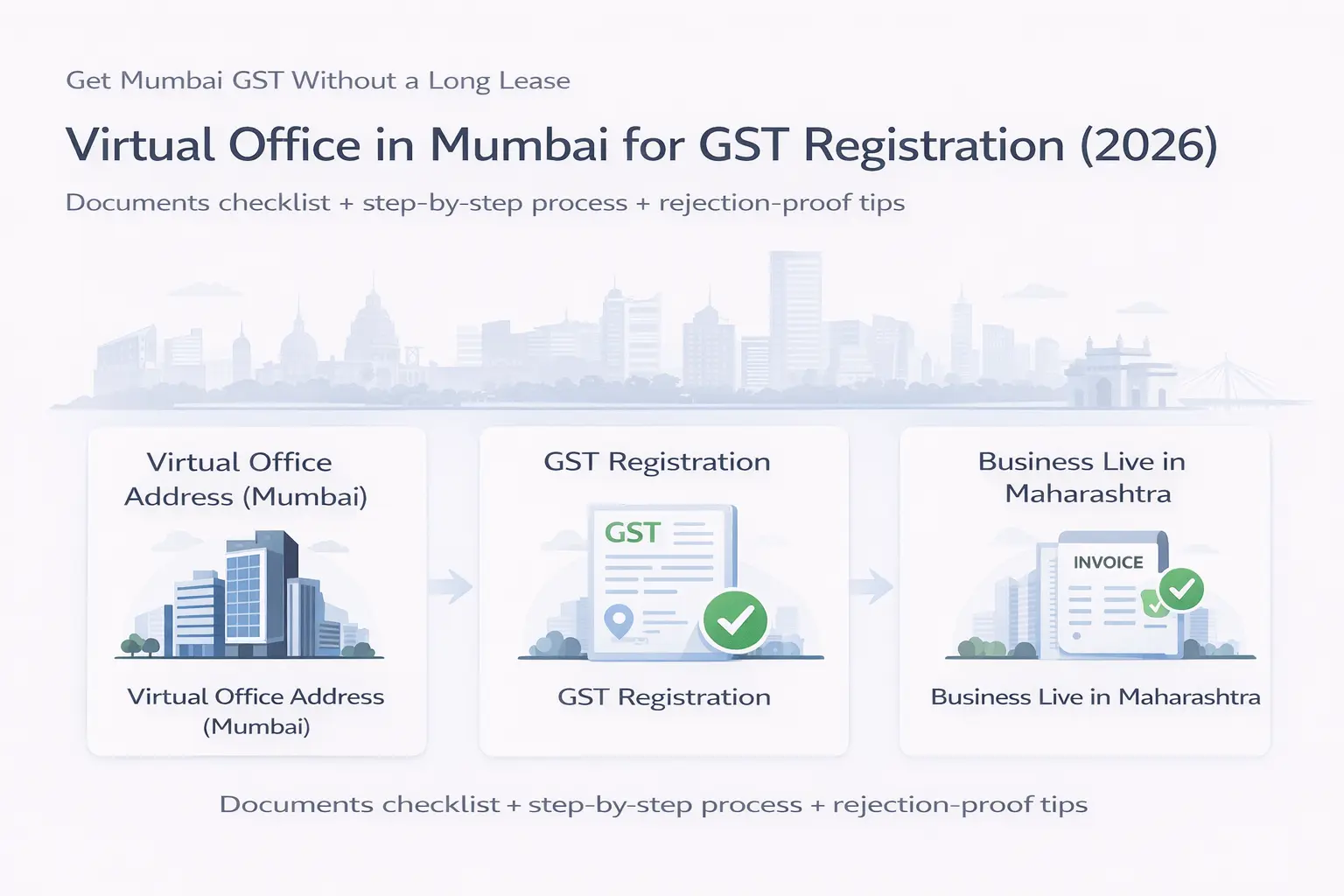
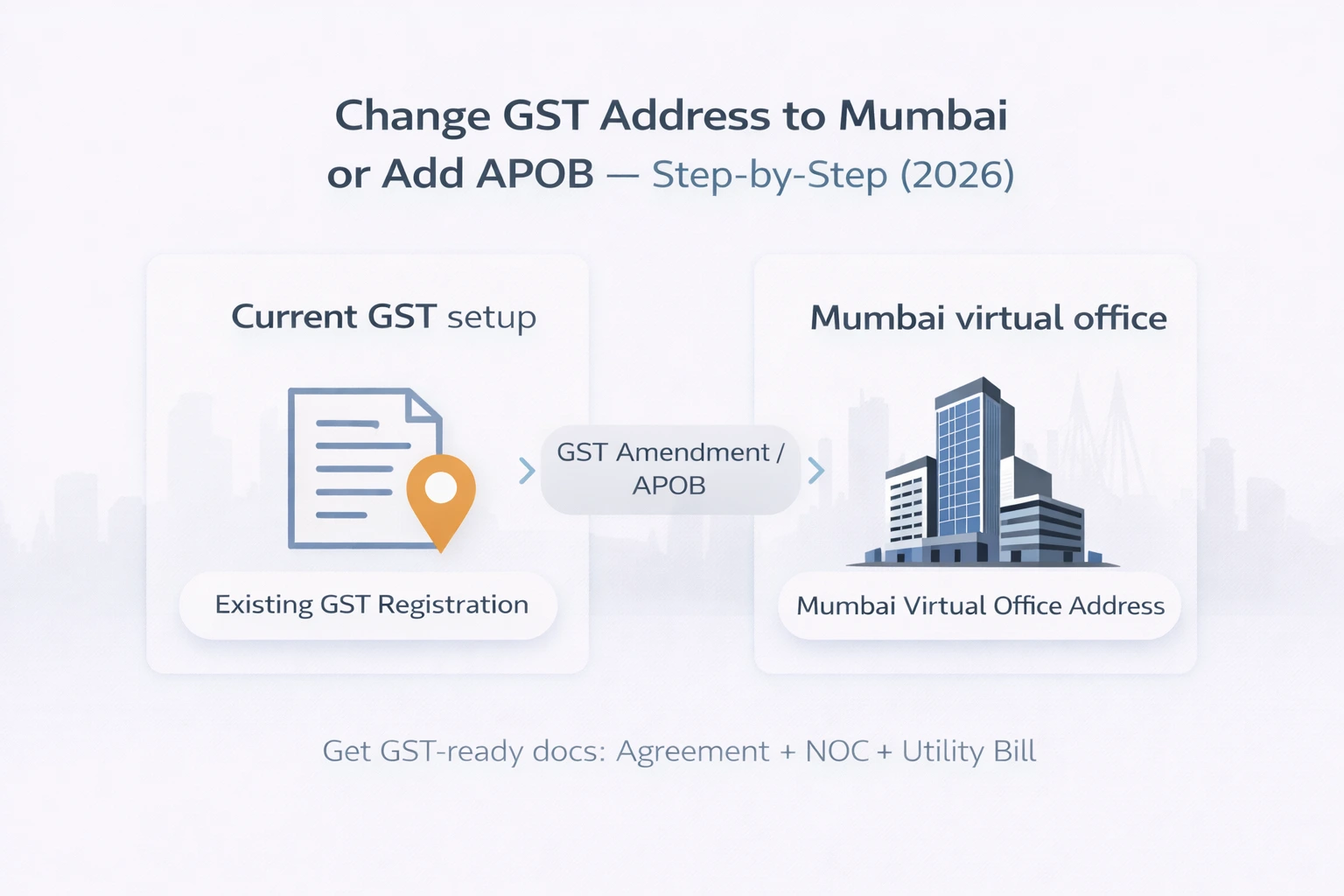
If you’re reading this, you’re probably already past the “Should I use a virtual office?” stage.
You’ve more or less decided that a virtual office in Delhi is the right way to get a GST registration in the capital without renting a full-fledged office. Maybe your CA suggested it. Maybe you saw other founders doing it. Either way, you’re now asking a more specific question:
“Exactly how do I get GST registration in Delhi using a virtual office address – and how do I avoid getting stuck?”
This guide is written for that moment.
We’ll walk through:
-
When a Delhi virtual office makes sense for GST
-
The documents you’ll actually need
-
A step-by-step process for GST registration with a virtual office in Delhi
-
Common pitfalls and how to handle officer queries or visits
-
How this looks in practice with a provider like Xporate, which offers Delhi virtual office plans designed for GST and ROC use
Think of this as a practical how-to from a friendly CA + workspace advisor hybrid, not a dense legal memo.
Before You Start – Is a Virtual Office in Delhi Right for Your GST Use Case?
Before we dive into forms and documents, sanity-check that you’re using the right tool for the job.
When a virtual office in Delhi works well for GST
A Delhi virtual office is usually a great fit for GST when:
-
You already have a registered business and want to add Delhi GST (or APOB) for sales into Delhi/NCR.
-
You’re incorporating a new company in Delhi and want to file GST using the same address.
-
You’re an e-commerce seller who needs Delhi GST but doesn’t want to rent an office or warehouse.
-
You’re a service business (consulting, IT, marketing, design, coaching) that doesn’t need walk-in clients at the address.
In all of these, the Delhi address is mostly about compliance, invoices, perception, and mail, not about running daily operations from that exact building.
When you should pause and talk to your CA first
A virtual office can still help, but you may need more careful planning if:
-
Your business depends heavily on a physical facility (manufacturing, storage, certain food or health businesses).
-
You’re applying for special licences that insist on a full operational premise.
-
You’re unsure whether Delhi should be your principal place of business or just an Additional Place of Business (APOB).
If any of those ring a bell, quickly check with your CA/CS before you commit to a virtual office plan. It’s easier to adjust at this stage than after you’ve filed.
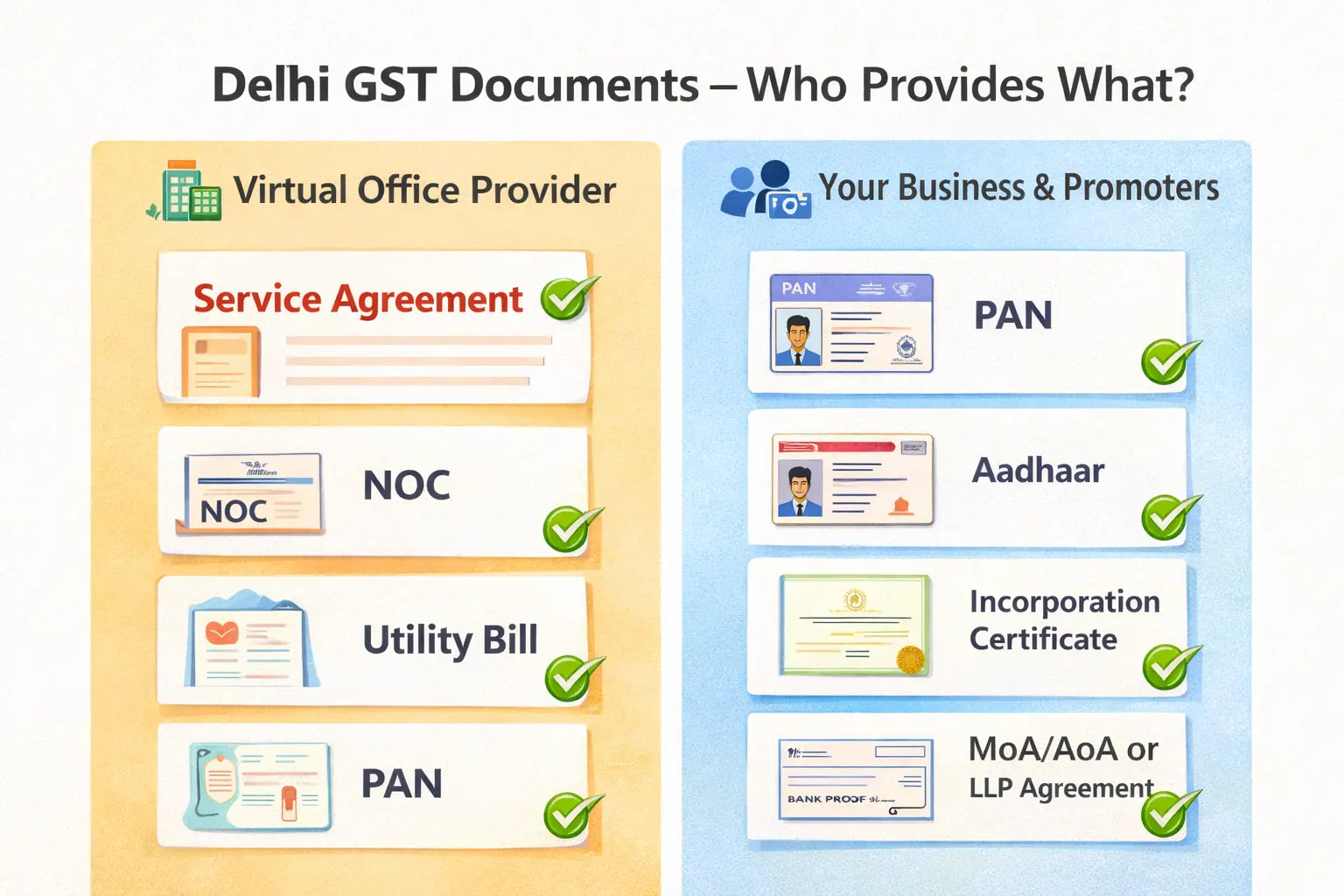
Documents Required for GST Registration in Delhi with a Virtual Office
Let’s get into the meat: what paperwork you actually need.
We’ll split it into:
-
Documents from your Delhi virtual office provider
-
Documents from your business and promoters
1. Documents from your Delhi virtual office provider
For a Delhi GST registration using a virtual office, you’ll typically need:
-
Service / Rent / Licence Agreement
-
Between your business and the virtual office provider
-
Shows the premises address clearly (with the same spelling you’ll use on the GST form)
-
No Objection Certificate (NOC)
-
From the owner / authorised entity allowing you to use the premises as your place of business
-
Recent Premises Proof
-
Usually an electricity bill, water bill, property tax receipt, or similar
Providers like Xporate have Delhi virtual office plans where this full documentation pack is standard – they explicitly position the plans as suitable for MCA/ROC and GST registration, not just as a pretty address.
Tip: Before you sign anything, ask the provider for a sample redacted documentation pack so you and your CA can see exactly what you’ll get.
2. Documents from your business (entity + promoters)
This part is mostly the same whether you’re using a virtual office or a traditional office. It varies by entity type, but typically includes:
For proprietorships (high-level):
-
PAN of proprietor
-
Aadhaar and photo of proprietor
-
Bank proof (statement, cancelled cheque, or passbook)
-
Any trade name documents (if applicable)
For companies / LLPs (high-level):
-
PAN of the company/LLP
-
Incorporation Certificate
-
MoA/AoA or LLP Agreement
-
PAN, Aadhaar, and photos of directors/partners and authorised signatory
-
Board resolution / authorisation letter for authorised signatory
-
Bank proof
Plus, of course:
-
Email and mobile of the authorised signatory (for OTP verifications)
Your CA or GST practitioner will give you a concrete checklist for your exact entity type.
3. Extra things that make life easier in Delhi
Not mandatory, but helpful:
-
A single “master address line” that everyone copies from – to avoid mismatches.
-
Scanned documents that are clear, properly cropped, and under portal size limits.
-
Conversation with your virtual office provider about how inspections are usually handled at their Delhi centres (so you aren’t surprised later).
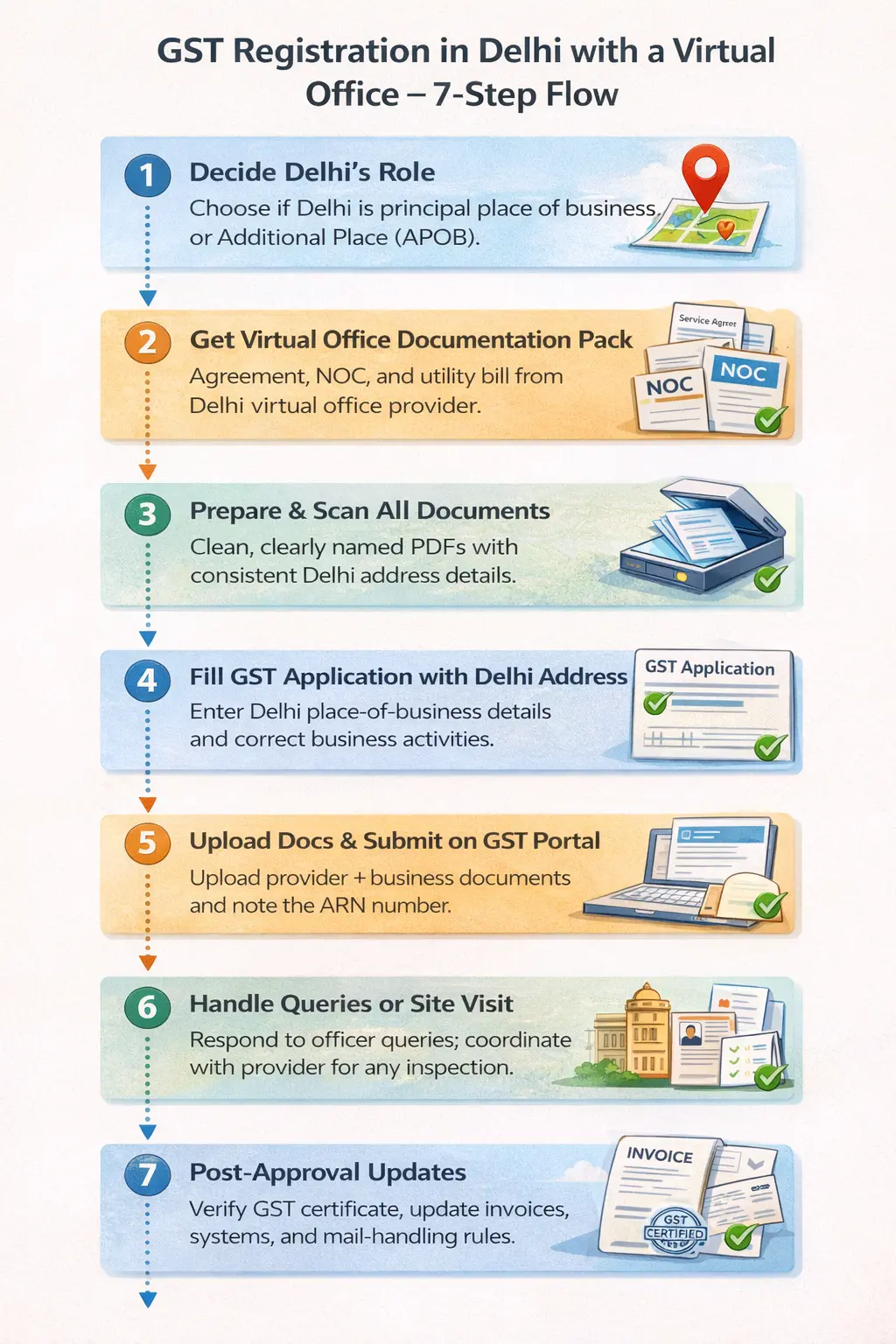
Step-by-Step: GST Registration in Delhi with a Virtual Office Address
Now, the process itself. We’ll stay at a conceptual portal level since the GST UI keeps evolving, but this flow should hold.
Step 1 – Decide Delhi’s role: principal place or APOB?
First, decide with your CA:
-
Is Delhi going to be your principal place of business?
-
Common if you’re newly incorporating in Delhi and your main operations are anchored there.
-
Or will Delhi be an Additional Place of Business (APOB)?
-
Common if your main office, warehouse, or operations are in another city/state, and you just need a Delhi presence.
The structure affects how your GST registration or amendment is filed, so don’t skip this.
Step 2 – Get your Delhi virtual office documentation pack
Before touching the GST portal, you should have your Delhi docs ready.
With a provider like Xporate, the process typically looks like:
-
You choose a Delhi centre (e.g., Green Park, Laxmi Nagar, Saket, etc.) and a plan that includes GST support.
-
You complete KYC and application with them.
-
Once approved, they issue your agreement, NOC, and premises proof in a standardised, GST-suitable format.
Your CA can then review these for any tweaks before you proceed.
Step 3 – Prepare digital files for upload
Small but crucial step:
-
Scan all documents in clear resolution (no dark corners, cut-off text, or skewed scans).
-
Save them with ** sensible names** (e.g., Delhi-Agreement.pdf, Delhi-NOC.pdf, Delhi-UtilityBill.pdf).
-
Confirm that the address is written exactly the same way in all three – and that this is the version you’ll use in your GST form.
A lot of wasted time in GST registrations comes from tiny inconsistencies here.
Step 4 – Start the GST application with your Delhi details
Whether you’re filing a new GST registration or adding Delhi as a new place, the pattern is:
-
Fill in your business details on the portal.
-
When you get to Place of Business for Delhi, use the address exactly as it appears in the virtual office agreement.
-
Choose the right nature of premises (usually “rented” / “leased” / “shared office” depending on portal options and your CA’s view).
-
Specify the nature of business activity correctly (services, trading, etc.).
Your CA or GST consultant will usually drive this, but you should at least understand which address they’re using and how.
Step 5 – Upload documents & submit the application
Next:
-
Upload your Delhi virtual office documents in the appropriate sections:
-
Agreement & NOC as proof of use
-
Utility bill / property proof as premises proof
-
Upload your business & promoter documents as per your checklist.
-
Double-check that the address in the form, the docs, and even small things like PIN code & building name line up.
Once everything is uploaded, the portal will generate an ARN (Application Reference Number). Keep that handy.
Step 6 – Respond to queries, clarifications, or visits in Delhi
After submission, a few things can happen:
-
The application is processed smoothly and approved.
-
The officer raises a query asking for clarification or extra documentation.
-
The officer may plan a site visit to the Delhi premises.
Here’s how to handle it calmly:
-
If there’s a query on the portal, share it with your CA and virtual office provider. Many queries are solved by re-uploading clearer documents or clarifying use of the premises.
-
If there’s a site visit:
-
Make sure your provider’s front desk team knows your company name and the fact that you’re a virtual office client.
-
Follow any signage guidelines your provider suggests (name in directory, at reception, etc.).
-
Keep a soft copy of your agreement handy in case questions come up.
Good providers are familiar with this cycle and can tell you what Delhi officers typically ask or look for.
Step 7 – Post-approval: confirm details and update systems
Once you receive your GST registration certificate / amendment approval:
-
Verify that the Delhi address is printed correctly.
-
Update your invoicing system to use the correct Delhi address where relevant.
-
Ensure your team and accountant know when to use the Delhi GST details (for specific supplies, state codes, etc.).
-
Coordinate with your virtual office provider about any ongoing mail/notice handling processes now that registrations are active.
At this point, your Delhi virtual office is “live” from a GST standpoint.
Common GST Pitfalls With Delhi Virtual Offices (and How to Avoid Them)
Even with a good plan, a few mistakes keep repeating. Here’s how to dodge them.
Pitfall 1 – Address mismatches across documents
The classic one. The address is:
-
Written one way on the agreement
-
Another way on the GST form
-
Slightly differently on the utility bill
Fix: Pick one master version from your provider docs and copy-paste it everywhere. Ask your provider to fix anything inconsistent before you file.
Pitfall 2 – Incomplete or sloppy KYC / entity documents
Virtual office or not, if your entity and promoter documents are incomplete or poorly scanned, you’ll get queries.
Fix: Use a pre-flight checklist with your CA. Don’t rush KYC just to “get it done”.
Pitfall 3 – Treating the virtual office like a mailbox-only solution
Some people think, “It’s just an address; nobody will ever show up.” That’s not always true.
Fix:
-
Align with your provider on how site visits are handled at that centre.
-
Follow their instructions on signage, name listings and mail handling.
-
Make sure staff at the centre recognise your company name.
Pitfall 4 – Using informal, non-compliant addresses
Using a cousin’s flat or a casual “arrangement” without proper paperwork can look okay on paper… until there’s scrutiny.
Fix:
-
Stick to providers who expressly say they offer GST-ready / ROC-ready virtual office addresses, with a contract and complete premises proofs.
-
Avoid setups that cannot give you formal documents to upload.
Using Your Delhi GST Registration in Day-to-Day Business
Getting GST approval is step one. Using it correctly is step two.
Update invoices, contracts and systems
Once Delhi GST is live:
-
Ensure your GSTIN and Delhi address are correctly reflected on invoices for supplies where it applies.
-
Update contracts, proposals and standard documents if they reference your place of business.
-
Train whoever handles billing so they know which GSTIN and address to use for which transactions.
Manage mail and notices at your virtual office
With a virtual office plan:
-
The provider’s team receives mail and notices on your behalf.
-
They should notify you when something arrives, via email/portal/WhatsApp depending on their system.
-
You either pick up or request scans/forwarding.
Clarify this workflow with your provider at the start so nothing important gets missed.
Add more cities or states when you’re ready
Once you’ve done Delhi, adding other cities (like Gurgaon, Bangalore, Mumbai) using virtual offices is conceptually similar:
-
Decide if each one is principal or APOB.
-
Repeat the same documentation + portal flow with city-specific details.
-
Keep addresses and documentation consistent in each new location.
If you anticipate this from day one, pick a provider (like Xporate) that can support multi-city virtual offices and not just a one-off Delhi address.
FAQs – GST Registration in Delhi with a Virtual Office Address
1. Is a virtual office in Delhi accepted as a place of business for GST?
Yes. A virtual office address in Delhi can be accepted as your place of business for GST as long as it’s a real commercial premises and you have proper documentation (agreement, NOC, and premises proof). The fact that it’s a shared or virtual setup isn’t a problem by itself; documentation and consistency are what matter.
2. Are there any special rules for GST registration with a virtual office in Delhi?
Delhi doesn’t have a separate “virtual office” category. You follow the same GST law and portal process as anyone else. In practice, officers may scrutinise shared/virtual addresses more closely, so having clean documentation and working with an experienced provider makes a big difference.
3. What documents does my Delhi virtual office provider need to give me for GST?
Typically:
-
A service / rent / licence agreement that clearly mentions the address
-
A No Objection Certificate (NOC) from the owner / operator
-
A recent utility bill or other premises proof
If your provider can’t give you these, think twice before using that address for GST.
4. How long does GST registration take in Delhi if I’m using a virtual office?
Once your documents are ready and the application is filed, timelines depend on:
-
Officer workload
-
Whether any queries are raised
-
Whether a site visit is scheduled
Assuming clean documentation and no major queries, it often completes within a few weeks. Your CA or consultant can give you a more precise range based on recent experience.
5. What happens if a GST officer visits the virtual office location in Delhi?
The officer will typically:
-
Confirm that the address exists and is a commercial premises
-
Verify that the operator recognises your company name as a client
-
Possibly ask to see your name listed somewhere (directory, reception list, etc.)
If you’re with a structured provider, their staff are usually briefed on how to handle such visits for virtual office clients. Ask them about their exact process.
6. Can I use the same Delhi virtual office for both GST and company registration?
Yes. Many businesses use the same Delhi virtual office address as their ROC-registered office and their GST place of business. You just need to ensure your plan covers both use cases and that your documents and filings are kept consistent.
7. Can I later change my GST address from a virtual office to a physical office?
Absolutely. You can amend your GST registration to move your principal place of business or APOB from the virtual office to a new premises. This is common when businesses grow into their own dedicated offices or warehouses.
8. Can I add Delhi as an Additional Place of Business (APOB) using a virtual office?
Yes. If your principal place of business is in another state, you can use a Delhi virtual office address as an APOB, provided the documentation is in order. Your GST consultant will file an amendment or new registration accordingly.
9. What if my GST application is rejected when using a virtual office address?
First, read the rejection or query note carefully. Common reasons include mismatched addresses, unclear documents or missing information. Fixing these and refiling with clearer documentation – sometimes with a short explanation – often solves the problem. Work with your CA and provider to understand exactly what went wrong.